

R00TR0w
Moderator
Staff member
Developer
Special
- Joined
- 15.04.2023
- Messages
- 313
- Solutions
- 19
- Reaction score
- 7,594
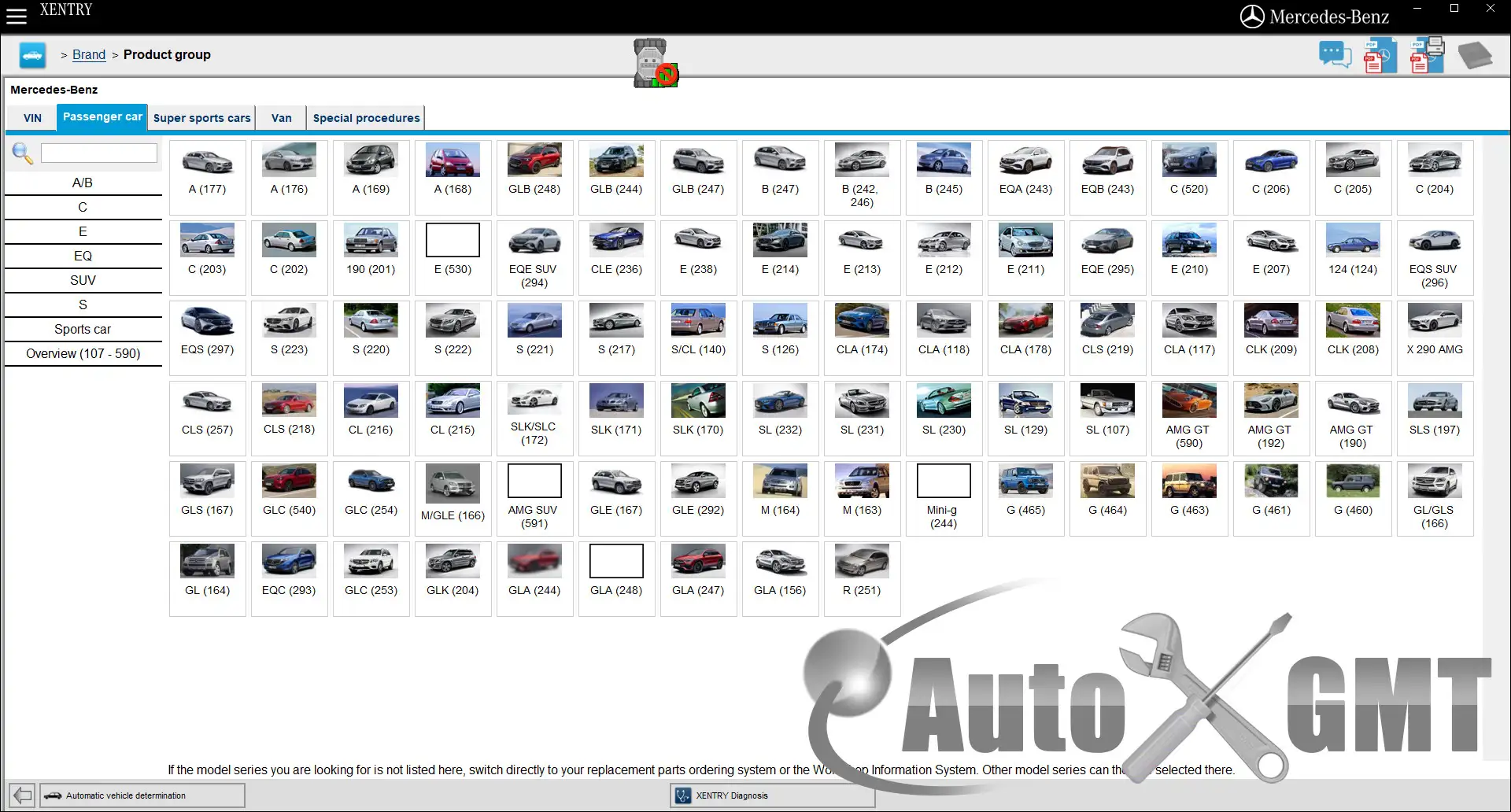
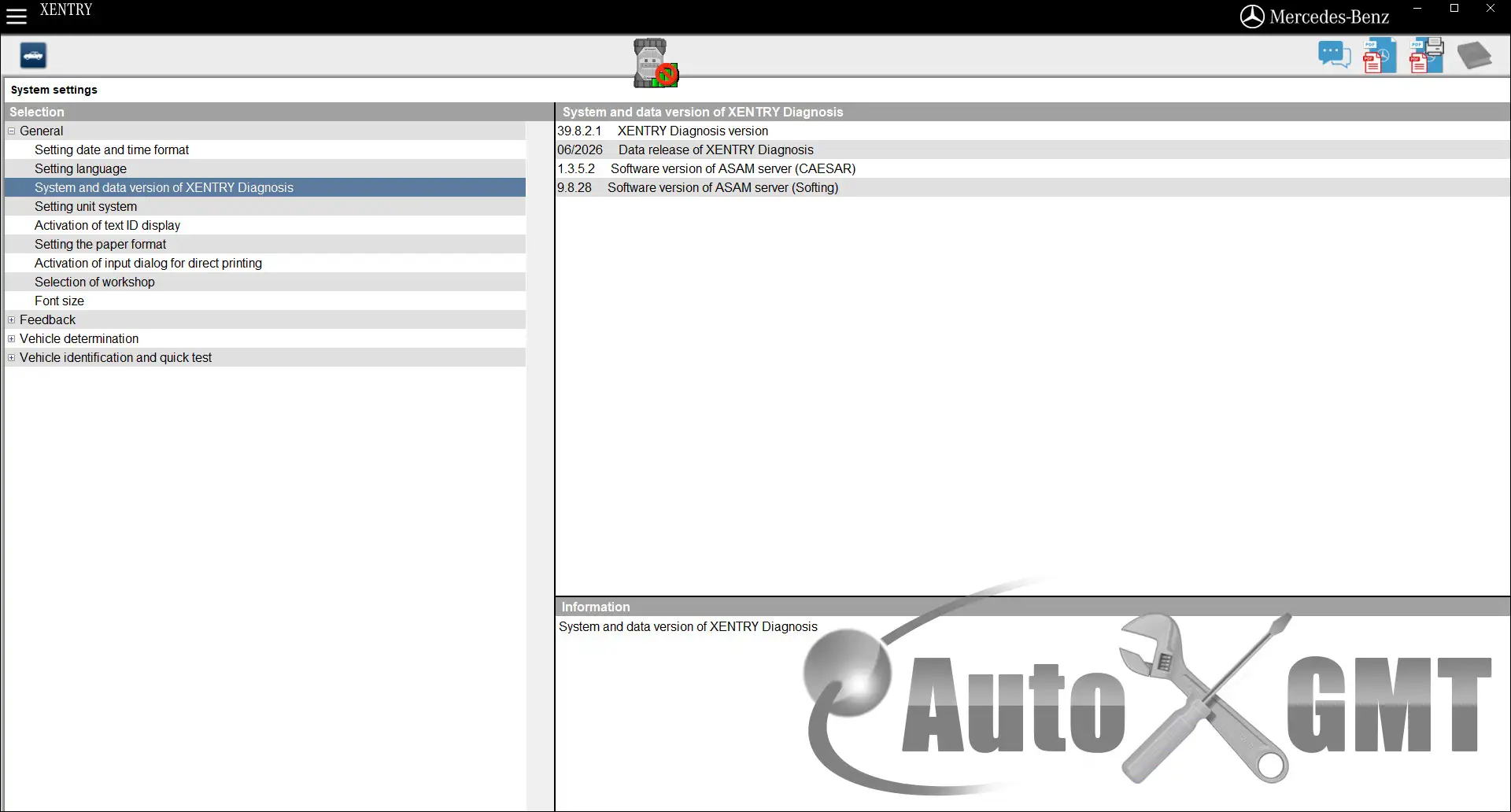
XENTRY Diagnostics OpenShell and Pass Thru v06.2026
What's new in this version of XENTRY:
Odometer value based sorting of faultcodes in shortest result
For newer models (223 ff.) a new sorting mechanism has been added. You can select in the "Display" field the new entries "First occurrence" and "Last occurrence". Then the sorting will be done regarding the odometer values of the faultcodes. All faultcodes with the same odometer value will be added to one group. The group with the highest odometer value will be displayed at the top, then groups with descending values are following.
With this feature you can easily see which faultcodes appeared at the same time and which ones are new or which ones are already older.
Possibility to change font sizes in XENTRY Diagnosis
In the System Settings menu there is a new entry for changing the font sizes. You can select between SMALL, MEDIUM and LARGE. The setting of MEDIUM is the default and used the font sizes as in the previous releases. If you need a bigger font, then you can select LARGE, but keep in mind that you will loose some overview because less content will fit on a screen and you have to scroll more.
Improvements in search of shortest result
If you start a search in the shortest result by entering some characters, you will see now the amount of search hits next to the forward and backward buttons.
It is also possible to find an ECU by using search keywords.
E.g. the ECU Instrumental cluster will be found when you enter "Odometer" in the search field.
With the first release of this feature there will be just a few search keywords. With the following releases there will be added more and more search keywords.
C4 or SDconnect devices can function again with commercial activation.
XENTRY XDPAD5 and XDPAD2 backgrounds:


It looks like this is the final version, so here are XDOS 26.6.4 and XPT 26.6.4 for download.
OS: MS Windows 10 and above
Installed size: 50.90 GB
Download attachments
-
XENTRY.Diagnostics.OpenShell.v06.2026_26.6.4.rarExternal link · Views: 3
-
XENTRY.Pass.Thru.v06.2026_26.6.4.rarExternal link · Views: 2
-
XENTRY.Backgrounds.v06.2026.rarExternal link · Views: 1

